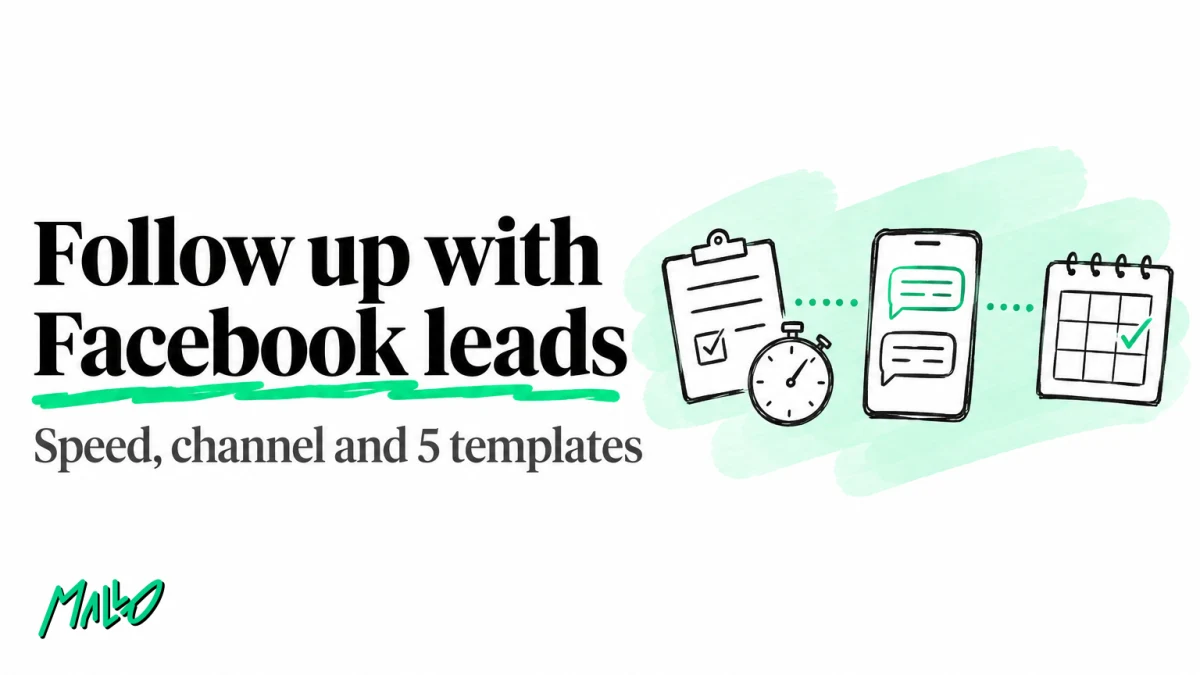
Knowing how to follow up with Facebook leads matters more than the ad itself. Lead Ads make it easy to fill in a form in two taps, which is exactly why many leads forget they did it: the person was scrolling, tapped, and moved on.
Most guides stop at email and SMS sequences. This one covers the setup that turns a form into a conversation: leads delivered to your CRM in real time, the WhatsApp opt-in to add to your form, when a Click-to-WhatsApp ad works better, and five templates for the first messages.
Why do Facebook leads go cold so quickly?
A Facebook lead is a person who showed interest in a few seconds, between two posts. The interest is real but fragile, and three things erode it fast.
- Low effort to apply: a prefilled form takes two taps, so the lead may not remember your business an hour later.
- Several offers at once: the same person often fills in forms from two or three competitors the same evening.
- Off-hours timing: many forms are filled in the evening and at weekends, when nobody is there to call back.
A Facebook lead is a short window of attention, not a long-term promise.
How fast should you reply, and on which channel?
Reply within minutes, on the channel the lead is most likely to read. Our page on speed to lead explains why the first minutes decide whether a lead qualifies.
Which channel for the first reply to a Facebook lead?
| Channel | Strength | Limit for a first reply |
|---|---|---|
| Phone call | Live conversation, handles questions | Often unanswered from an unknown number |
| SMS | Read quickly | Short, little room for a real exchange |
| Room for details and documents | Slow, often filtered or ignored | |
| Read quickly, answered in a word, supports a full conversation | Needs opt-in and an approved template for the first message |
In practice, the best sequence is a WhatsApp message within a minute that offers a call or a quick exchange by message, then a call when the lead asks for one.
How do you get Facebook leads into your CRM in real time?
Downloading a CSV from Meta once a day is the slowest way to lose leads. Leads should land in your CRM, and trigger the first message, the moment they submit the form.
Meta’s Lead Ads documentation describes webhooks that deliver each new lead in real time, rather than retrieving them in bulk a few times a day. Meta’s Leads Center and its partner integrations connect most common CRMs without code.
Whichever route you choose, check three things: the lead arrives within seconds, the phone number is stored in international format, and the consent your form collected is saved with the lead. Our WhatsApp CRM integration shows how replies and meetings are then written back to HubSpot, Salesforce or your CRM.
Instant form or Click-to-WhatsApp ad: which one should you use?
Both formats work; they start different conversations. An instant form collects details for your team to contact, while a Click-to-WhatsApp ad opens a WhatsApp conversation directly.
Instant form vs Click-to-WhatsApp ad
| Criterion | Instant form | Click-to-WhatsApp ad |
|---|---|---|
| Who writes first | Your business | The lead |
| First WhatsApp message | Must be an approved template | Free-form reply, inside the window |
| Opt-in | Must be collected in the form | The lead started the conversation |
| Messaging cost | Each template billed by category | Free entry point window of up to 7 days if you reply within 24 hours |
| Best for | Collecting details at volume | Starting a conversation that leads to a meeting |
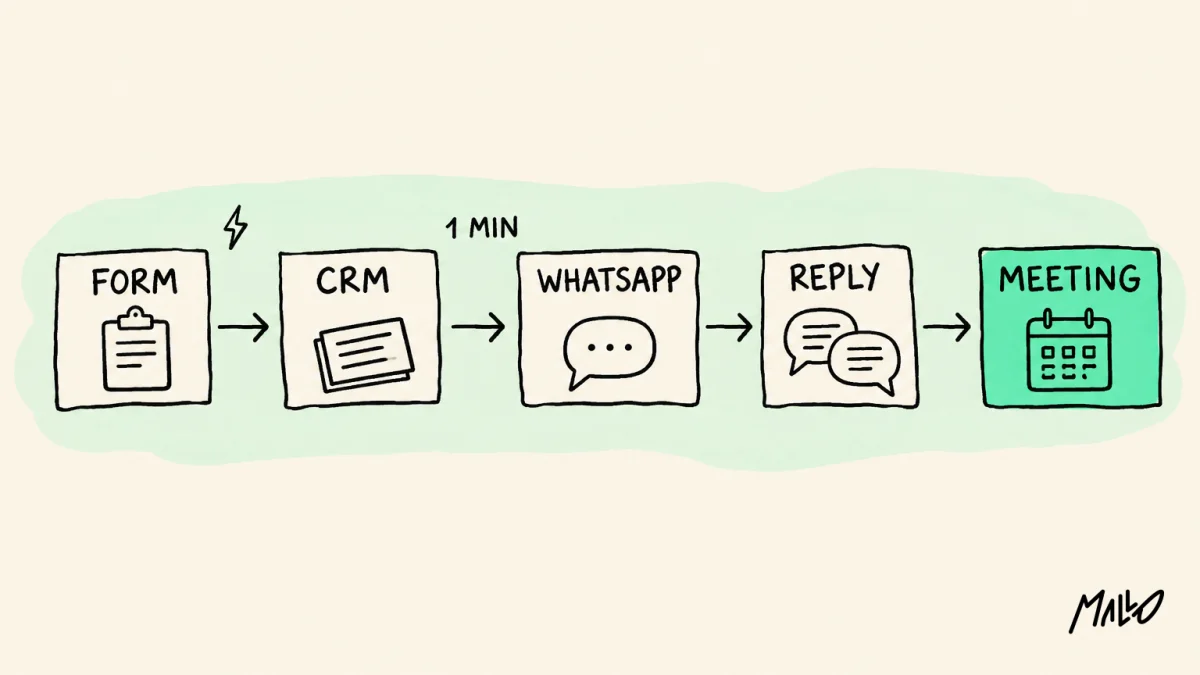
Add WhatsApp opt-in to your instant form
If you use instant forms and want to reply on WhatsApp, add a clear consent line to the form, for example “I agree to be contacted by [Business] on WhatsApp about my request”. Meta’s opt-in rules require that the person knows they are opting in and that your business is named.
With a Click-to-WhatsApp ad, the free entry point window lasts up to 7 days when you reply within 24 hours, as Meta’s pricing documentation explains; our WhatsApp sales funnel guide shows how to use that window to qualify and book.
5 templates to follow up with Facebook leads
Replace the words in square brackets. For instant form leads, the first message must be an approved template; the next ones can be free-form once the lead replies.
For a full cadence from minute 1 to a dormant lead, see our WhatsApp follow-up message templates.
How do you automate the follow-up of Facebook leads?
Automation should cover what humans cannot do consistently: replying within a minute at 10 pm, following up on day 3 and day 7, and writing everything to the CRM. Your team keeps the calls and the meetings.
Mallo is a French platform that deploys AI agents on WhatsApp to qualify, follow up and track your leads, from first contact to booked meeting. Each new Facebook lead triggers the agent within a minute; it asks your qualifying questions, books the meeting in your sales team’s calendar, follows up silent leads and sends conversions back to your ad platform so your campaigns learn which leads become customers.
Mallo comes with a free trial, then pricing depends on your lead volume and the steps the agent handles.